As many computers as you need. No extra cost.
Scheduling
- Reduce phone time by as much as 75%
- Route techs to reduce fuel costs & fit in more work
- Have customer history at hand for a professional image
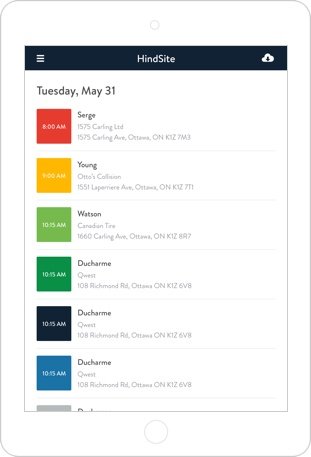
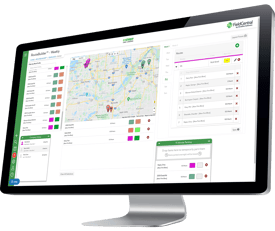
- Have a color-coded schedule to see who's doing what
- " Drag 'n' Drop " functionality
- Unite location and calendar to see the best day for a job
- Schedule customers in large groups, by location
- Display when a customer arrives onsite
Contact Management
- Unlimited custom information fields, to track anything
- A flexible database with easy tools to sort lists
- Multiple addresses and contacts for each customer
- Set notes to pop up as a reminder later on
Work Orders
- Incomplete work is automatically flagged
- Manage "pending" work
- Send work orders to invoicing in QuickBooks
|
|
Run our simple but comprehensive mobile technology on Windows tablets or netbooks. Why those devices? Becase they're cheap, durable, and reliable.
Easy Workflow
- Capture exact time records for the whole day
- Track material usage
- Automatically calculate totals, including tax
- Capture signatures
- View future & past days
- View customer history and job notes on the fly
- Use pre-writtern remarks for field commentary
- Sync information wirelessly with the office
Advanced Tools
- Estimates
- Create custom surveys, checklists, or other "assessments" that are automatically triggered
- Create new work orders in the field
- Collect mileage information
- Send a "re-stock" request to the office
- Load pre-created routes (e.g. a snow removal route)
|